

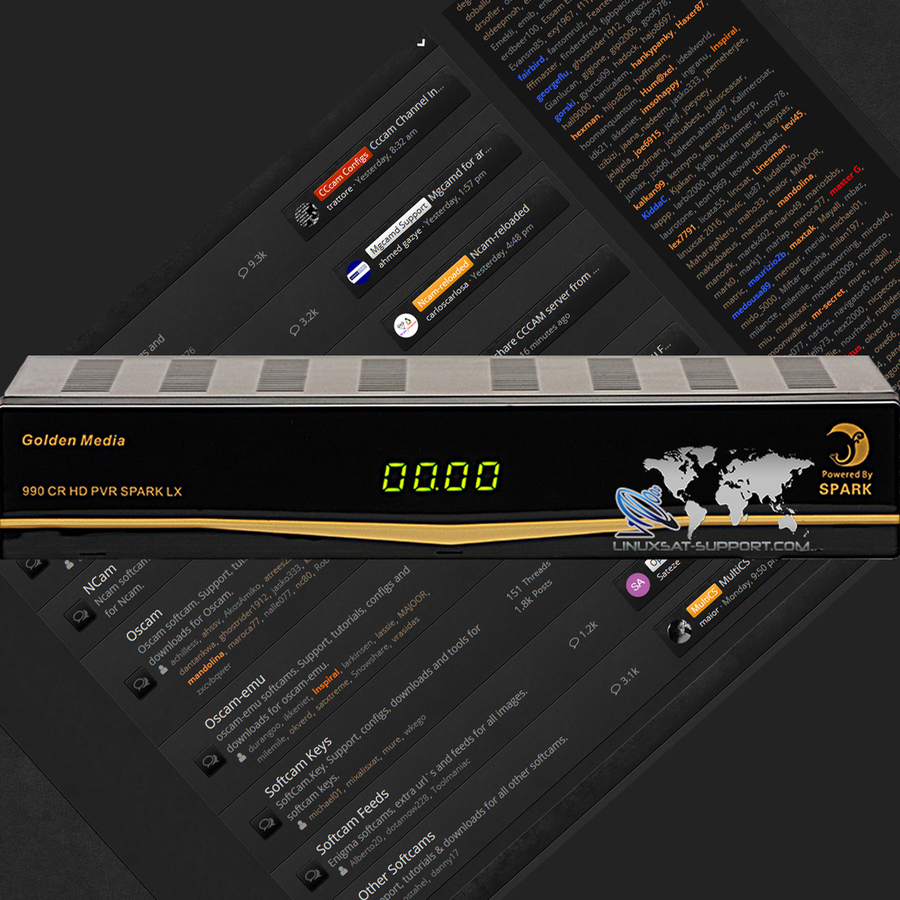
You can flash an Enigma2 image onto the Golden Media CR 990 HD LX from a USB stick using its front-panel button sequence.
Prepare the USB stick
- Prepare a USB stick with one partition formatted as FAT32.
- Set the default system boot to enigma2.
- Create a directory named enigma2 on the stick.
- Copy uImage and e2jffs2.img into that enigma2 directory.
Flash the image
- Turn off the receiver.
- Connect the prepared USB stick to the receiver.
- On the front panel, hold [OK] and turn on the power switch.
- After about 5 seconds the display shows [FORCE] — release [OK] and press [V+].
- If done correctly, the display flashes [U LD], meaning the image is loading.
- When the upload finishes, the display shows [Succ] and the receiver reboots automatically.
⚠️ Don't interrupt the flash. Do not cut power during the procedure — wait for the device to finish and reboot on its own.




