


In this tutorial we are using cable or RS232 cable miniusb hyper terminal and get into the BIOS Receivers Dreambox.
1- The Dream and the computer can connect to the RS232 cable or MiniUSB
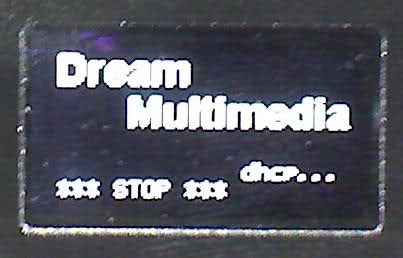
2- Hold the button in front of the receiver and turn on the receiver. If you work right after a few seconds on the OLED device and so can you tone up your finger off the button.
3- Now to Start / All Programs / Accessories / Communications cut and run HyperTerminal program.
Windows 7 and Vista, Hyper Terminal program, you must download and install from here.
http://www.hilgraeve.com/htpe/support/htpe7.exe
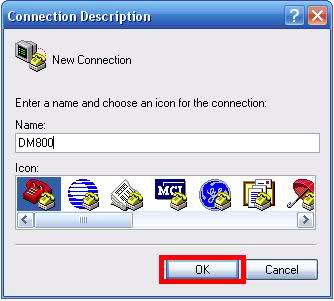
4- The following window appears, enter the name of my DM800 and click OK.
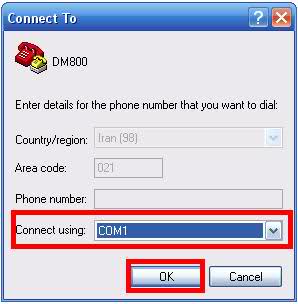
5- Now in the Connect To window, select the correct COM.
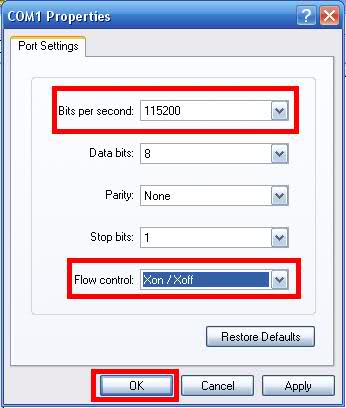
6- The COM1 Properties window opens and the image and click OK.
7- Now get into a white screen, after 2 seconds, press X button on the keyboard so you could change to this page.
(This only works with the keyboard, and a shift of direction for the - and + Enter to change the parameters and conditions for use)
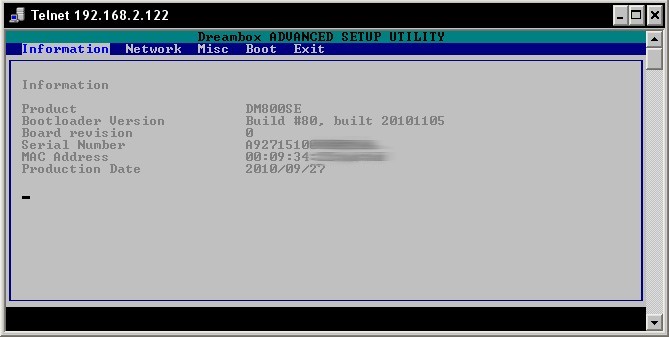
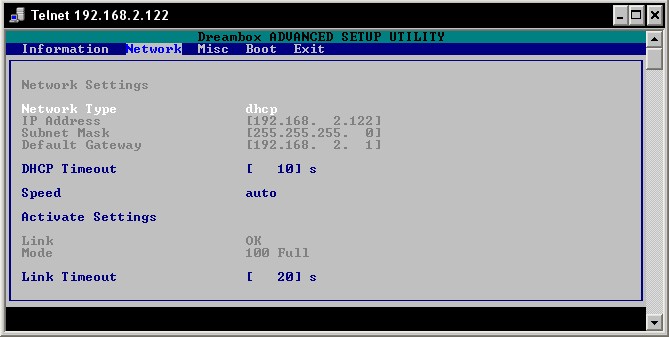
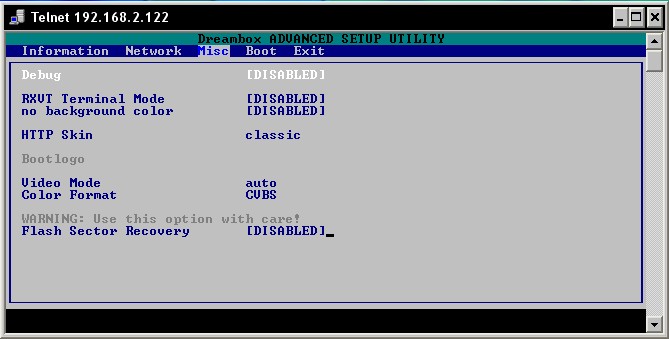
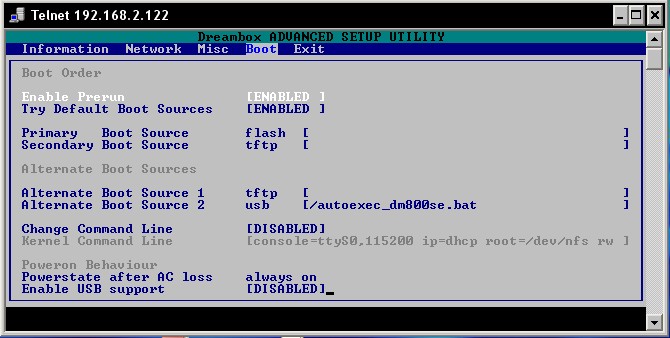
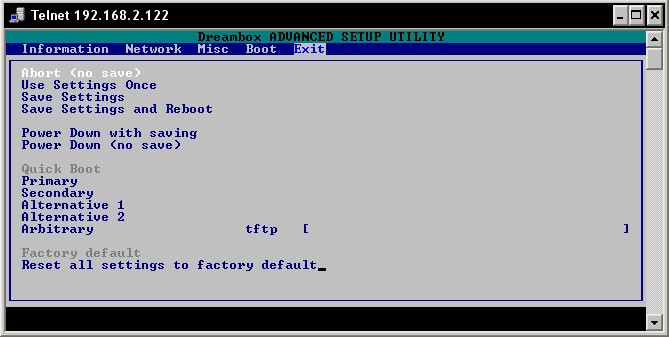
by N@SER
Good luck



